FastUnlock – A lock screen authentication bypass zero-day affecting Windows 11
23 Nov 2026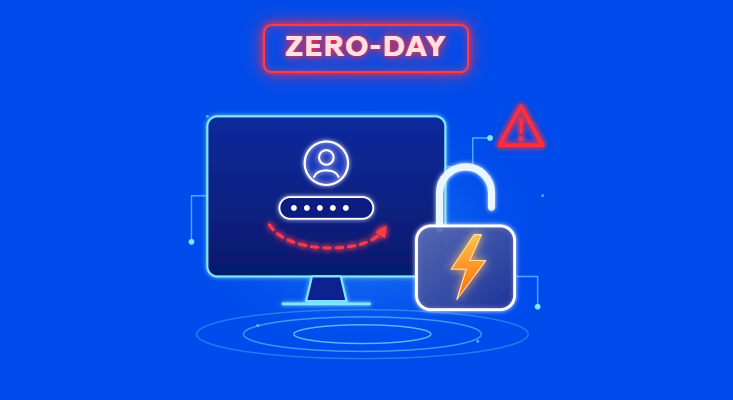
Security researchers have disclosed a zero-day authentication bypass vulnerability affecting th lockscreen feature in Microsoft Windows 11.
Let us understand what FastUnlock zero day is about, how it impacts organizations, and what they must do.
About FastUnlock
|
Name /CVE |
Severity |
Vendor + Component affected |
Disclosure date / Type |
Affected version |
Discovered by |
|
FastUnlock / Not assigned |
High |
Microsoft Corporation |
19 November, 2026 / Authentication bypass |
Windows 11 26H2, including systems with November 2026 security updates installed. |
Nightmare Eclipse (also known as Chaotic Eclipse) |
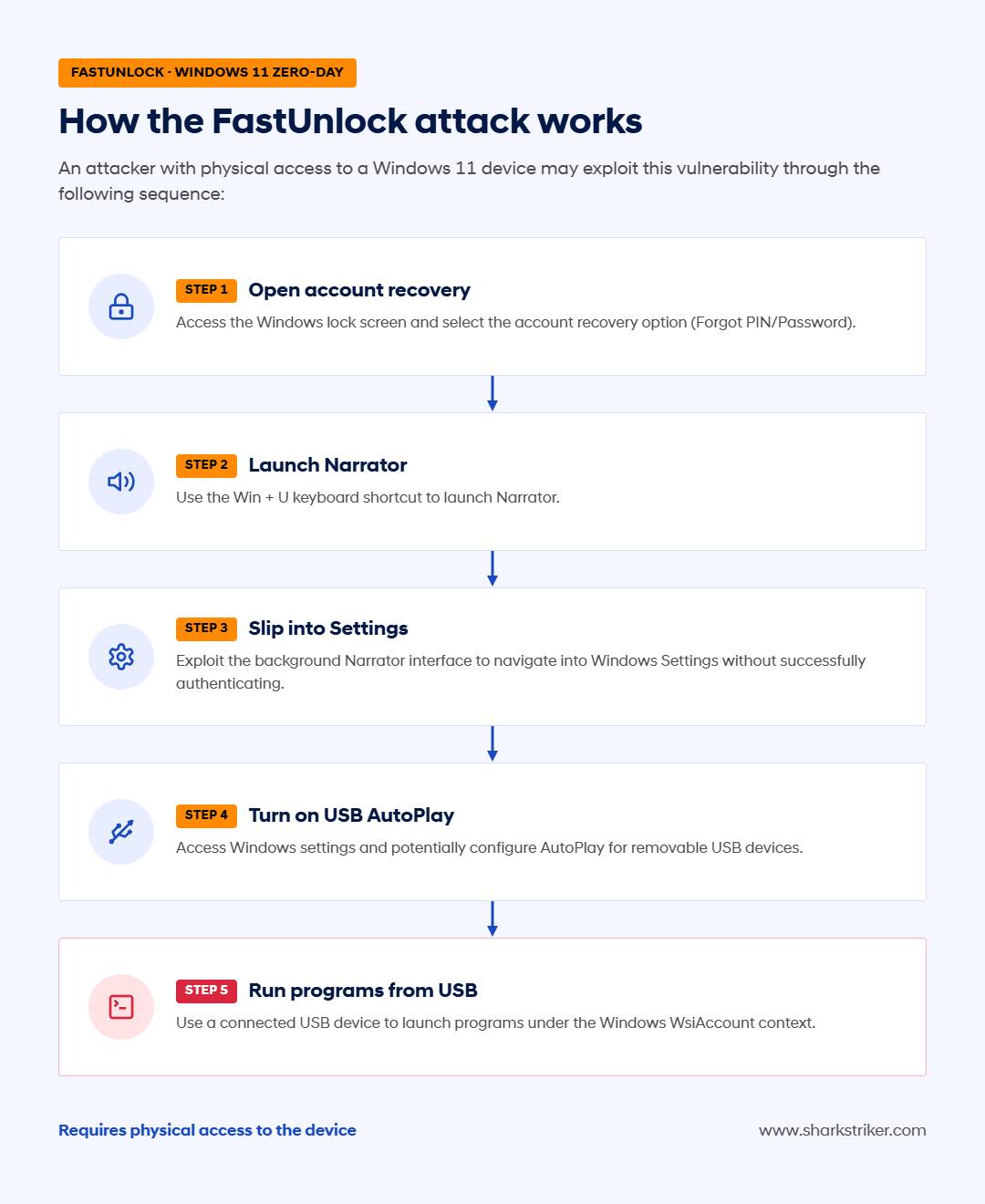
An attacker with physical access to a Windows 11 device may exploit this vulnerability through the following sequence:
- Access the Windows lock screen and select the account recovery option (Forgot PIN/Password).
- Use the Win + U keyboard shortcut to launch Narrator.
- Exploit the background Narrator interface to navigate into Windows Settings without successfully authenticating.
- Access Windows settings and potentially configure AutoPlay for removable USB devices.
- Use a connected USB device to launch programs under the Windows WsiAccount context.
What can attackers do with this zero-day?
- Unauthorized access to a locked Windows device.
- Execution of unauthorized programs without normal user authentication.
- Potential exposure of information accessible to the lock-screen account.
- Possible security control bypass involving USB AutoPlay.
- Increased risk of data exposure on unattended or stolen devices.
- Potential further compromise depending on the permissions and access available to the attacker.
Important clarification: This attack does not break BitLocker encryption or decrypt a powered-off device. It targets a running system where the encrypted drive may already be unlocked. The demonstrated execution context is WsiAccount, which is not an administrator. Full administrator access or unrestricted access to user data has not been established by the available reporting.
SharkStriker’s recommendations
SharkStriker recommends implementing the following security measures to reduce the risk associated with this vulnerability:
- Identify all Windows 11 endpoints within the organization, particularly devices running version 26H2.
- Verify that BitLocker encryption is enabled across all corporate endpoints.
- Implement TPM + PIN-based BitLocker pre-boot authentication, especially for laptops and devices used outside corporate premises.
- Disable AutoPlay for removable storage devices through centralized Group Policy or endpoint management solutions.
- Restrict physical access to corporate endpoints and ensure that unattended devices are properly secured.
- Validate the implemented security controls through endpoint security assessments.
Note: Disabling Narrator entirely is not recommended as a blanket mitigation because it is an important accessibility feature for users who depend on it. Any restrictions should be assessed carefully.