Remus Stealer steals Gmail messages through a fake Google Sheets Chrome extension
26 Nov 2026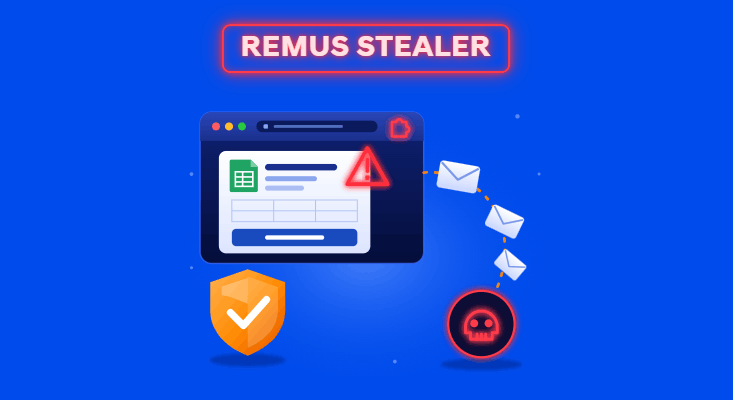
On November 24, 2026, Security researchers at Gen Threat Labs discovered that certain Remus Stealer infostealer malware versions deploy a fake Google Sheets extension on Chrome to steal email messages from Gmail.
Through our blog, we will understand how this new Remus Stealer works, its impact on organizations, and what organizations should do.
About Remus Stealer
|
Threat name |
Vendor + Component impacted |
Threat type |
Technique used |
|
Remus |
Google Chrome (fake extension) |
Infostealer |
Malicious browser extension used for stealing Gmail messages |
On November 8, 2026, security researchers found operators behind Remus Infostealer advertising a new capability added to the infostealer, claiming that it could maintain Gmail mailbox access even after the password is changed and the session is revoked.
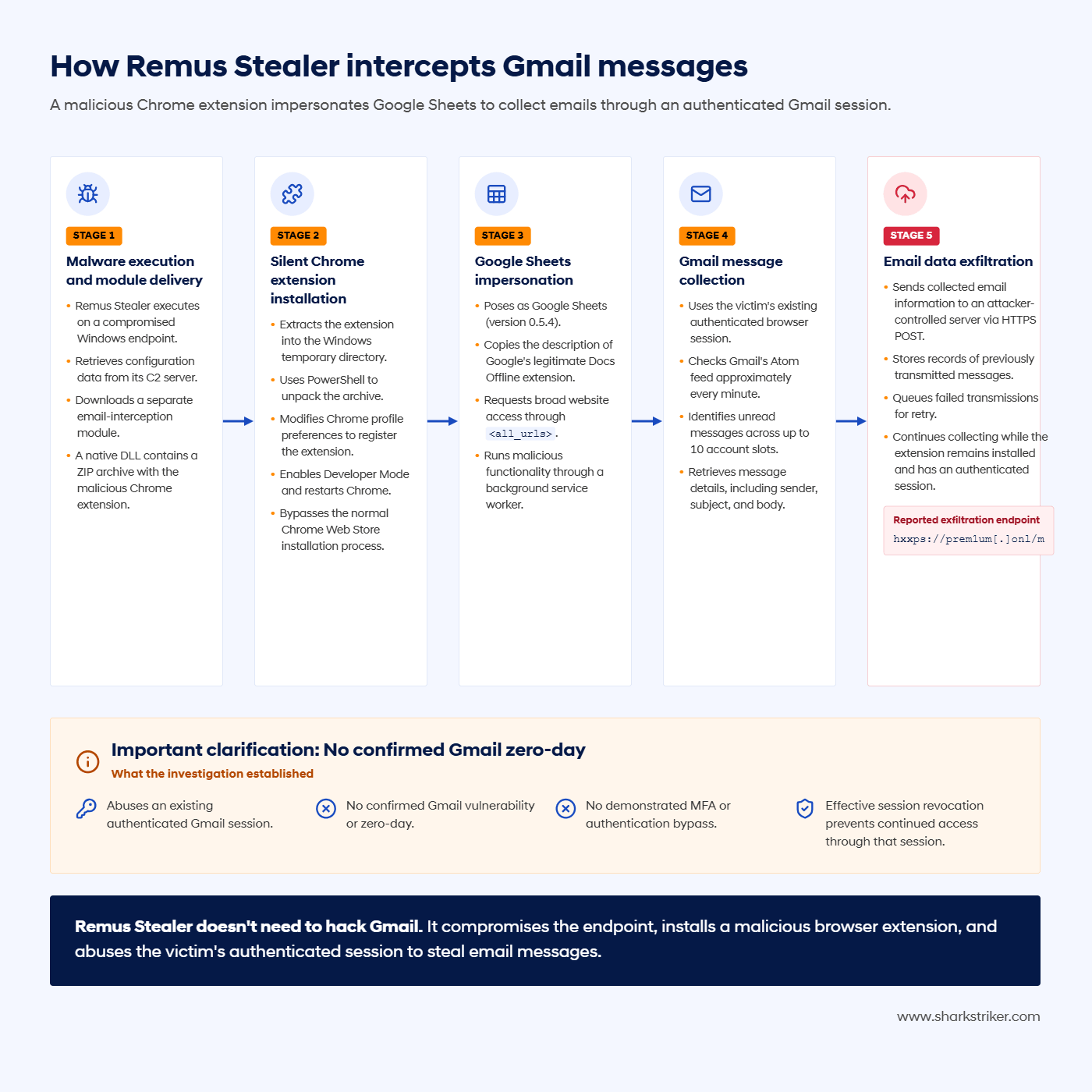
The malicious extension is disguised as Google Sheets but offers no spreadsheet functionality, operating in the background to check Gmail and relay messages to attacker-controlled infrastructure.
What can attackers do with Remus stealer?
An attacker can use the Remus infostealer to:
- Access email senders, subjects, and message contents in Gmail
- Steal email-based OTPs, verification codes, and password reset links.
- Expose business information by accessing confidential business correspondence and internal communications.
- Use stolen email information to facilitate password resets, account recovery, and social engineering attacks.
- Maintain persistent access by continuing to collect Gmail data through the malicious extension even after the original malware process exits.
- Collect data from multiple accounts signed in to the same Chrome profile.
SharkStriker’s recommendations
- Monitor Browser Extensions: Review Chrome extensions installed across corporate endpoints. Investigate unfamiliar extensions, especially unpacked extensions and those requesting broad host permissions.
- Restrict Unauthorized Extension Installation: Use enterprise browser policies to control extension installation and allow only approved extensions from trusted sources.
- Control Developer Mode: Restrict or monitor Chrome Developer Mode where it is not required for business operations.
- Strengthen Endpoint Monitoring: Monitor suspicious PowerShell execution, ZIP extraction, Chrome profile modifications, unexpected DLL activity, and unusual process execution.
- Review Gmail Account Activity: Investigate suspicious mailbox access and review account security activity for potentially exposed users.
- Secure Compromised Accounts: If compromise is suspected, change affected account passwords and revoke relevant sessions from a clean, trusted device. Review recovery settings, connected applications, mailbox forwarding rules, filters, and delegated access.
- Remediate the Endpoint: Isolate affected systems, investigate and remove the native malware and malicious extension, and validate that no additional persistence mechanisms remain before allowing users to sign in again.
- Review Dependent Accounts: Assess whether intercepted email messages contained verification codes, password-reset links, or other sensitive information that could expose additional business applications.